

Hevy vs Strong App: The Differences That Actually Matter
Quick answer: Hevy and Strong are both excellent structured workout loggers with near-identical core features. Strong is the older, more minimal option with a cleaner solo-lifting experience. Hevy adds a social feed, a more generous free tier, and faster feature releases. If you want simplicity, pick Strong. If you want community and free features, pick Hevy.
You have decided to stop logging sessions on scraps of paper. Now you are stuck in the App Store comparing two apps that look almost identical.
They basically are. The differences that matter are smaller than the reviews suggest, and they are not the ones most comparison posts lead with.
What are Hevy and Strong?
Both are structured workout loggers built around the same model: create a routine, start a session, tap in each set. You get rest timers, exercise history, personal record tracking, and progress charts in both.
Both are also genuinely well-liked. On the US App Store, Strong shows a 4.9 rating from around 108,000 ratings, and Hevy shows a 4.9 rating from around 82,000. Neither of these is a bad app, and anyone telling you one is obviously broken is selling something.
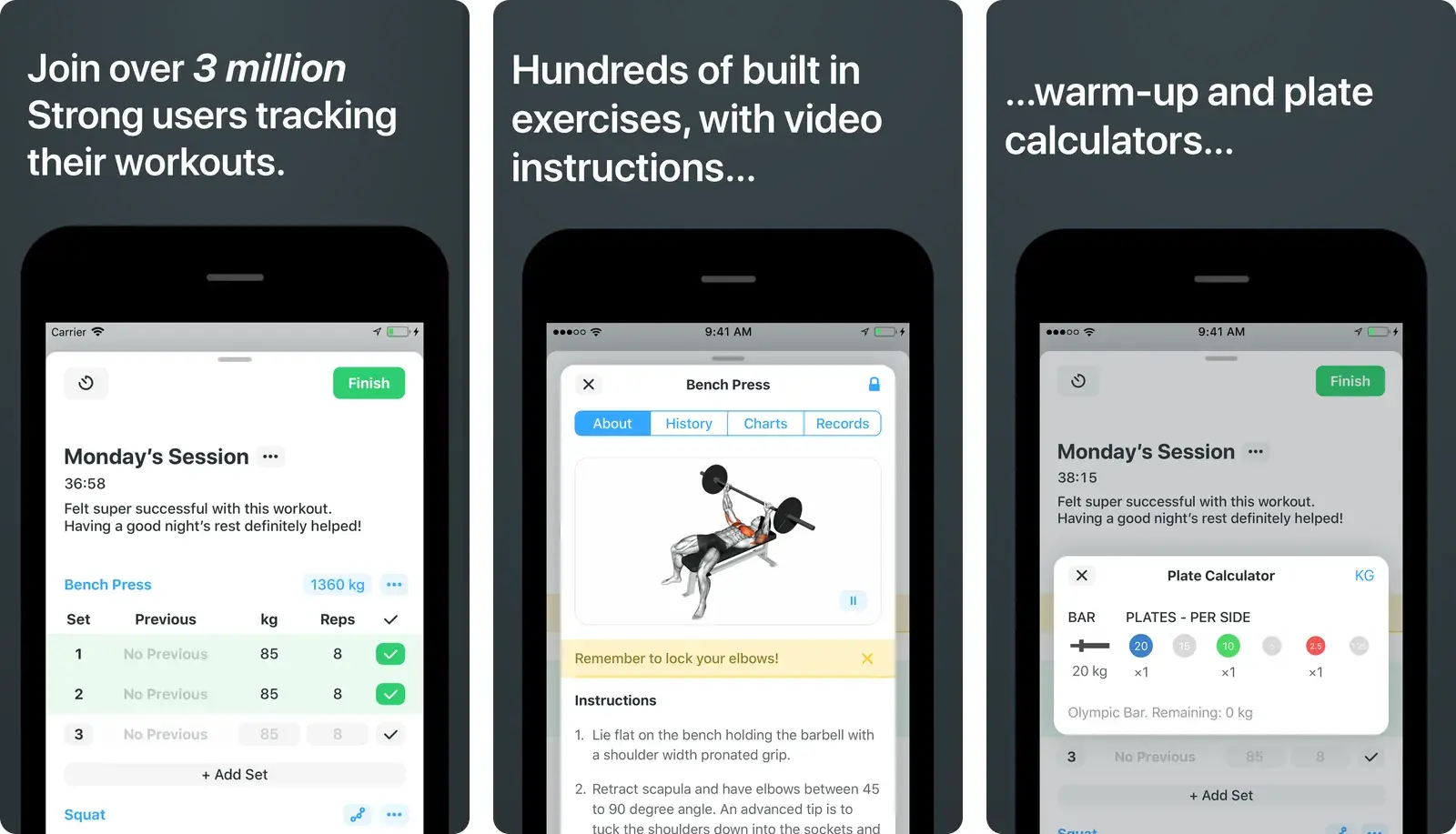
Strong is the elder statesman. It has been around longer, and its design philosophy shows: fewer features, less noise, very fast to use once your routines are set up.
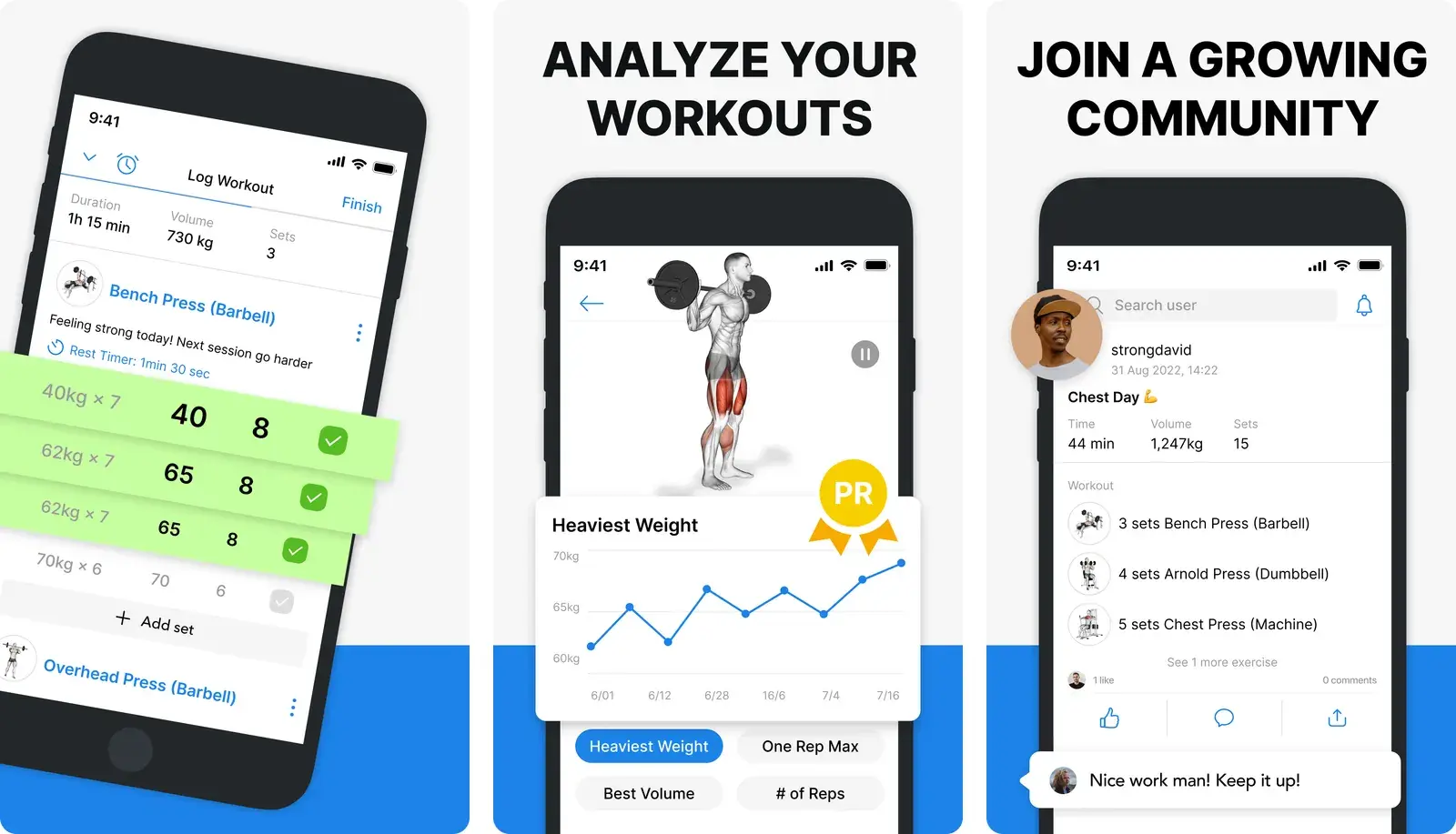
Hevy is the challenger. It shipped later, iterated faster, and built a social layer where you follow friends and see their workouts in a feed.
How do Hevy and Strong differ in practice?
| Strong | Hevy | |
|---|---|---|
| Core logging | Routine-based, tap per set | Routine-based, tap per set |
| Interface | Minimal, few screens | Slightly denser, more features visible |
| Social features | None | Following, feed, comments |
| Free tier | Limited number of custom routines | More generous, still capped |
| Platform | iOS, Android, Apple Watch, Wear OS | iOS, Android, Apple Watch, Wear OS, web |
| Best for | Solo lifters who want fewer decisions | Lifters who like accountability and sharing |
The social feed is the real fork in the road. Some lifters find it motivating and stay consistent because friends can see whether they trained. Others find it exhausting and want a logbook, not a network.
Be honest about which one you are. It predicts your satisfaction with these two apps better than any feature checklist.
Pricing
Both use a free tier plus a paid upgrade sold as an in-app purchase. At the time of writing, the US App Store listing for Hevy shows Hevy Pro from $2.99 per month with yearly and lifetime options, and the listing for Strong shows Strong PRO from $4.99 per month with 6-month, yearly, and lifetime options. Prices vary by region and change over time, so check the current listings before deciding. If you would rather not subscribe at all, our roundup of workout apps without a subscription covers the ones you can own outright.
Strong's own help documentation explains that PRO removes the routine limit and unlocks additional features. Hevy's free tier is generally the more generous of the two, which is a genuine reason a lot of people land there.
Which one is faster to log with?
Strong, slightly, for a lifter who runs the same routines every week. Fewer screens means fewer decisions, and the set-entry flow is about as tight as tap-based logging gets.
But this is where both apps share a limitation that nobody in the Hevy versus Strong debate mentions.
Tap-based logging assumes your session goes to plan. Real sessions do not. The squat rack is taken so you do leg press. You swap in a drop set. You add a set because you felt good, or cut one because you did not.
In a structured app, every deviation is a small negotiation with the interface: find the exercise, add it, reorder it, edit the set count. On paper or in a notes app, it is one line of typing. That gap is why so many lifters download a tracker, use it for three weeks, and quietly go back to their notes app. We covered the pattern in why a simple workout log usually beats a complex one.
Should you switch from one to the other?
Probably not, if you are already logging consistently. The feature gap is not worth losing your history over.
Both apps support exporting your data, which matters more than any single feature. Before you commit to either, check that you can get a CSV out, because a training log you cannot leave with is a training log you do not own.
Switch if:
- You want the social feed and your current app does not have one.
- You keep hitting a free-tier limit that the other app does not impose.
- You are on a platform your current app supports poorly.
Do not switch because a comparison article said one is 3% better. If you want a wider view of the category, we compare the field in best workout tracking apps, and cover close substitutes in Hevy alternatives and Strong app alternatives. If you are already inside Strong and just want to know where to put a comment, we compare Strong app note vs sticky note.
The option neither app offers
| Physical Notebook | Notes App | Strong or Hevy | Gym Note Plus | |
|---|---|---|---|---|
| Logging speed | Slow, needs a pen | Fast, free typing | Medium, tap per set | Fast, free typing |
| Handles an off-script session | Easily | Easily | Fiddly | Easily |
| Data visualization | None | None | Strong charts | Charts from your text |
| Flexibility | Total | Total | Rigid templates | Total |
| Searchability | None | Text search only | Structured search | Structured search |
If Hevy and Strong both feel like too much app, that is useful information. Plenty of lifters do not want to build routines in advance. They want to write what happened and move on.
That is the gap Gym Note Plus fills. You type sessions the way you already do in your phone's notes app, and it reads the text and produces the charts and personal records that structured apps make you tap for.
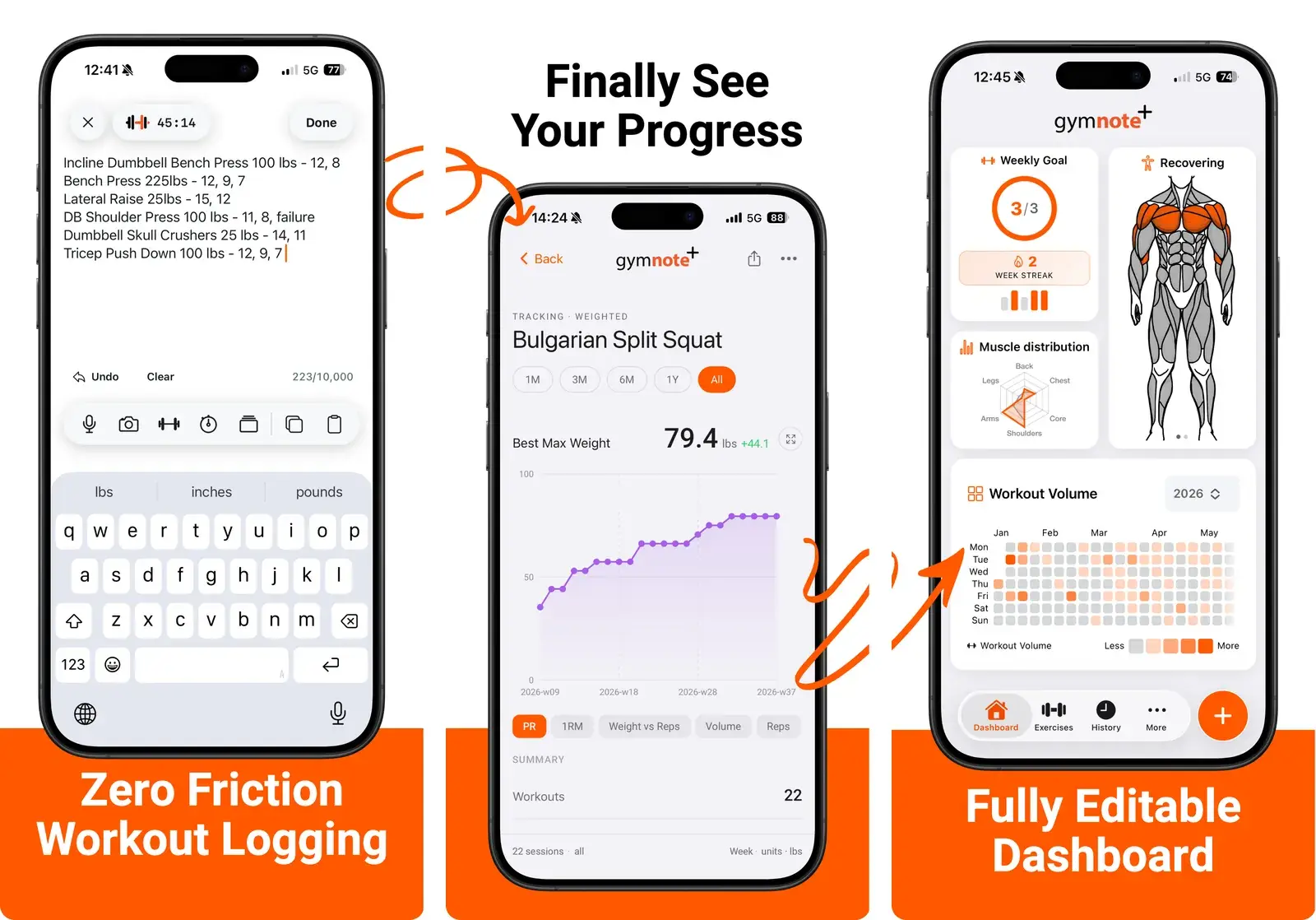
- No routine setup. Write the session as it happens.
- Keep your own shorthand, including weird sets, swaps, and drop sets.
- Get per-exercise progress charts from plain text.
You can test the premise in about thirty seconds. Paste a real session from your notes app into the free notes to workout translator and see it turned into structured data.
The best workout tracker is the one still on your phone in six months. For a lot of lifters, that is not the one with the most features.
Frequently Asked Questions
Is Hevy or Strong better?
Neither is clearly better; they suit different lifters. Strong offers a more minimal, faster interface for solo training, while Hevy provides a social feed, a more generous free tier, and faster feature updates. Both cover routines, rest timers, personal records, and progress charts to a similar standard.
Is Hevy free?
Hevy has a free tier that covers workout logging, routines, and basic history, with caps on the number of custom routines and how much history you can view. Hevy Pro removes those limits and adds advanced analytics and data export. The US App Store listing shows Hevy Pro starting at $2.99 per month, with regional variation.
Does Strong have a free version?
Strong offers a free version that logs workouts and supports a limited number of custom routines. Strong PRO, sold as an in-app purchase from $4.99 per month on the US App Store, removes the routine limit and unlocks additional features. Prices differ by region and change over time.
Can you export your data from Hevy and Strong?
Both Hevy and Strong support exporting workout history, typically as a CSV file, on their paid tiers. Checking export availability before committing to any workout tracker matters, because it determines whether you can move years of training history to a different app later without losing it.
What is the fastest way to log a workout?
Typing plain text is the fastest way to log a workout, because it does not require pre-built routines or per-set taps. The trade-off is that plain text produces no charts by itself. Tools that parse notes-style text, such as Gym Note Plus, keep typing speed while adding the progress tracking structured apps provide.
Final takeaways
- The core apps are near-identical. Routines, rest timers, PRs, and charts are covered by both.
- Pick Strong for minimalism, Hevy for community and a more generous free tier.
- Check the data export on either before you build years of history in it.
- Both assume your session goes to plan. If yours rarely does, tap-based logging will frustrate you.
- If you already log in your notes app, the honest answer may be neither of these apps.

Josh Ibbotson
Josh is the creator of Gym Note Plus, building tools that make workout tracking as simple as taking notes.
Ready to try it out?
Download Gym Note Plus and start tracking your workouts the way you want.
Download on App Store