
Notability Workout Template: Log Workouts on iPad
Quick answer: Notability has no dedicated workout template, but its free template gallery plus a self-made one-page table cover it: build a page with exercise, weight, reps and notes columns, save the note as a template, and duplicate it each session. Handwriting search needs the paid plan, and nothing ever charts your numbers.
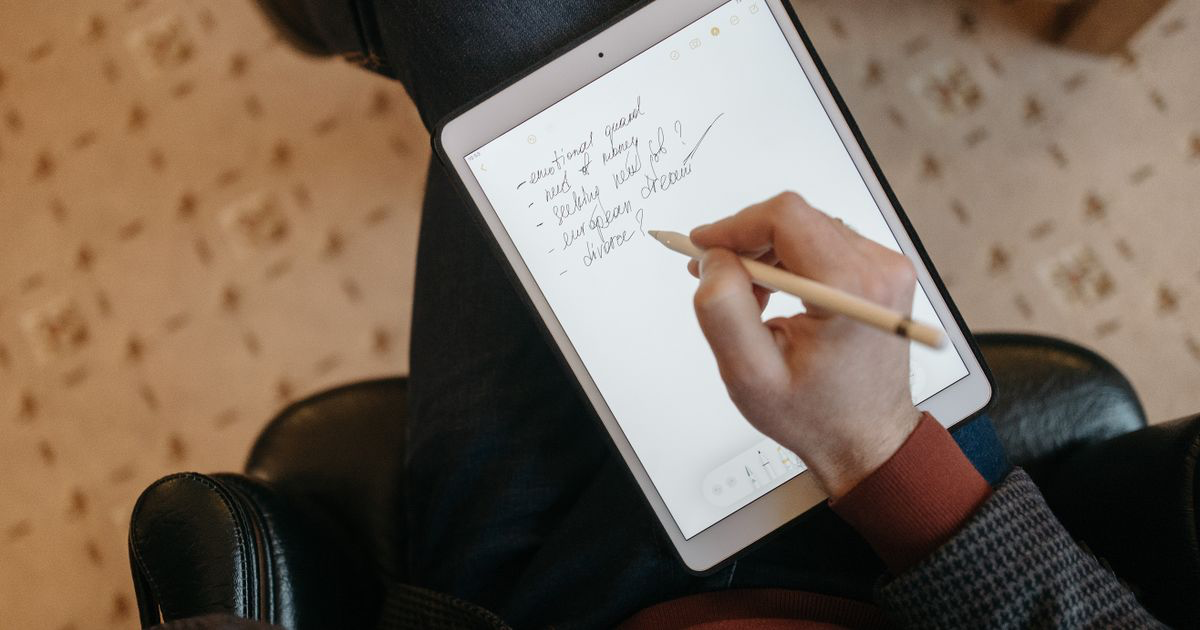
Notability is a beautiful place to write. If you train with an iPad in your bag, handwriting your log there beats a paper notebook: it never fills up, never gets lost, and syncs to your phone.
The catch is the same one every handwriting app shares. The pages pile up, and the trend stays invisible. Here is the setup that works, and its honest limits.
Does Notability have a workout template?
Not a built-in one. The stock paper options are ruled, grid and dot paper, and the official Notability Gallery is a community library where you can download shared templates, including fitness planners, for free.
The Etsy route exists too: paid "digital workout planners" built for Notability and GoodNotes. As with most planner PDFs, you are paying for decoration around a table you could draw once yourself.
Either way you end up in the same place: one page, one table, duplicated per session.
What should a Notability workout template include?
Five columns, sized for handwriting. Writing with a Pencil needs more room than typing, so keep it to:
- Date and session name across the top:
Mon 12 Aug, Push A. - Exercise column, wide.
- Weight and reps columns. Write reps per set in one cell:
10, 9, 8. - Notes column for what the numbers miss: "shoulder fine at 30 degrees", "belt on last set".
Leave the mood trackers and habit grids off. A meta-analysis of 138 studies by Harkin and colleagues found that physically recording progress toward a goal reliably improves attainment, and it is the recording that does the work, not the page design.
How do you set the template up in Notability?
- Make a one-page table. Draw it directly in Notability with the shape tool, or build it in Pages or Canva and import the PDF.
- Name the note "Workout Template" and keep it in a Training divider.
- Duplicate it each session. Long-press the note, duplicate, rename with the date. The copy arrives with your blank table.
- Or import the PDF as paper. Notability can use an imported PDF as the base of a note, which keeps the table crisp at any zoom.
- Log one page per session, newest notes sorted to the top of the divider.
Grabbing a free fitness page from the Gallery and deleting the decoration you do not need is a legitimate shortcut.
Can you search handwritten workouts in Notability?
Yes, on the paid plan. Notability's handwriting recognition indexes what you write, so a search for "bench press" can pull up the sessions that mention it. Under the current pricing, handwriting recognition sits in the subscription tier, alongside unlimited edits.
That matters because of how the free plan works. The free Starter plan gives unlimited notes but a monthly allowance of edits, and every pen stroke is an edit. A daily training log is exactly the kind of steady, small-edit use that runs into the cap, so plan on the paid tier (around $19.99 a year for Plus) for serious logging.
Search also has the same ceiling as GoodNotes: it finds pages, not numbers. It can list every page saying "squat"; it cannot tell you your best squat, or whether the bar has moved since June.
Should you use Notability or GoodNotes for a workout log?
Notability and GoodNotes are near-equivalent for a workout log. Both take an imported one-page template, both index handwriting, both store pages and compute nothing. Notability's edge is audio recording and a cleaner single-note flow; GoodNotes' edge is its notebook structure and a free plan whose limit is file count rather than monthly edits, which suits a single training notebook better.
If you already own one of them, use that one. We covered the other side in our GoodNotes workout template guide, and if you would rather type than write, the Apple Notes workout template is the faster route.
Where does a Notability workout log fall short?
At review time. Handwriting a session is quick and genuinely pleasant. Answering "is my deadlift going anywhere?" means flipping pages and comparing numbers by eye, every time, forever.
Notability stores your training history and computes none of it. No totals, no estimated max, no chart, no personal record flag. The better your consistency, the bigger the pile of pages hiding the answer.
| Physical notebook | Notability | Traditional gym app | Gym Note Plus | |
|---|---|---|---|---|
| Logging speed | Fast | Fast with a Pencil | Slow, many taps | Fast, plain text |
| Searchability | None | Good, paid plan | Good | Good, whole history |
| Data visualization | None | None | Charts | Charts, automatic |
| Flexibility | Total | Total | Low, fixed fields | Total, free text |
| Spots progress for you | No | No | Partly | Yes |
A simple starting plan
- Build or download the one-page template today. Shape tool, Pages, or a free Gallery page with the clutter deleted.
- Duplicate it for your next session and log every set: exercise, weight, reps per set, one honest note.
- Keep exercise names consistent so handwriting search stays useful. "Bench" and "bench press" read as different words.
- Budget for the subscription if you train more than a couple of times a week; the free plan's monthly edit cap is not built for daily logging.
- Once a month, review each main lift across its last four pages. If the weights have not moved, change something. Our guide to tracking gym progress covers what to look for.
If you want the trend without giving up your own words
A Notability log gets the habit right: fast capture, your own shorthand, no menus between sets. What it cannot do is turn six months of pages into an answer.
Gym Note Plus keeps the plain-language logging and adds the analysis layer.
- Type
bench 80kg 10,9,8the way you would write it, and it becomes structured, charted sets. - Every exercise gets a progress trend automatically, with no page flipping.
- Personal records surface themselves instead of hiding three dividers deep.
- History is searchable by exercise, and the numbers inside it are compared for you.
Type one handwritten session into the free notes to workout translator to see what your pages look like as data.
Handwriting apps solve storage, not insight. The page remembers everything and tells you nothing.
Frequently Asked Questions
Can you track workouts in Notability?
Yes. Build a one-page table with exercise, weight, reps and notes columns, save it as a note called Workout Template, and duplicate it each session. Notability stores unlimited notes, syncs across Apple devices, and on the paid plan its handwriting recognition makes old sessions searchable by exercise name.
Is there a free workout template for Notability?
Yes. The official Notability Gallery hosts free community templates, including fitness pages, and a self-made one-page table does the same job. The template itself is free either way; the practical cost is Notability's subscription, since the free plan's monthly edit allowance suits occasional notes better than daily logging.
Is Notability or GoodNotes better for workout tracking?
They are close to interchangeable for a gym log: both import a one-page template, index handwriting, and chart nothing. GoodNotes' free plan (3 files, no edit cap) fits a single training notebook slightly better; Notability adds audio recording. Whichever you already own is the right answer.
Can you search handwriting in Notability?
Yes. Notability's handwriting recognition indexes penned notes so search can find words inside them, including exercise names in a workout log. The feature is part of the paid subscription for post-2021 users, and it finds pages rather than data: it locates "squat", not your heaviest squat.
What is the best way to log workouts on an iPad?
Handwriting into Notability or GoodNotes with a one-page template works well if you like writing and review rarely. If you want progress charts and records without manual review, typing plain text into an app like Gym Note Plus gives the same logging speed and builds the trends automatically.
Final Takeaways
- Notability has no built-in workout template. A one-page table, self-made or from the free Gallery, is all a log needs.
- Duplicate, don't rebuild. Keep a master note and copy it each session, newest at the top of a Training divider.
- The free plan's edit cap bites daily loggers. Plan on the subscription, which also unlocks handwriting search.
- Search finds words, not progress. Consistent exercise names keep it useful; it still cannot compare your numbers.
- Pages are storage, not analysis. When you want the trend without giving up your own words, a plain-text parser does what handwriting cannot.

Josh Ibbotson
Josh is the creator of Gym Note Plus, building tools that make workout tracking as simple as taking notes.
Ready to try it out?
Download Gym Note Plus and start tracking your workouts the way you want.
Download on App Store